Interior rendering, without heavy 3D software
Upload your SketchUp export or work render of an interior and Sherpa turns it into a presentation-ready image with AI. No render engine, no settings, ready for your moodboard or client meeting.
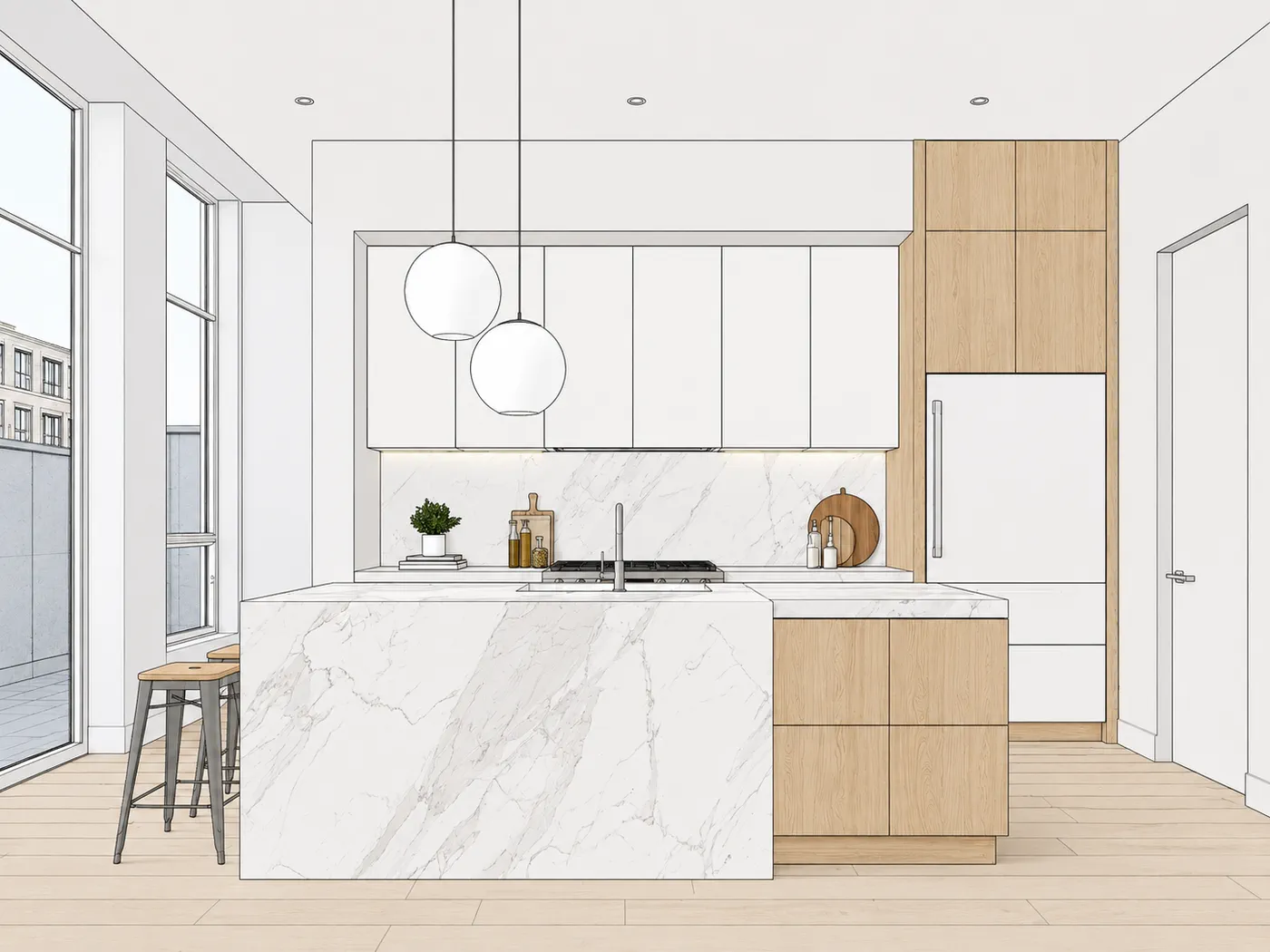
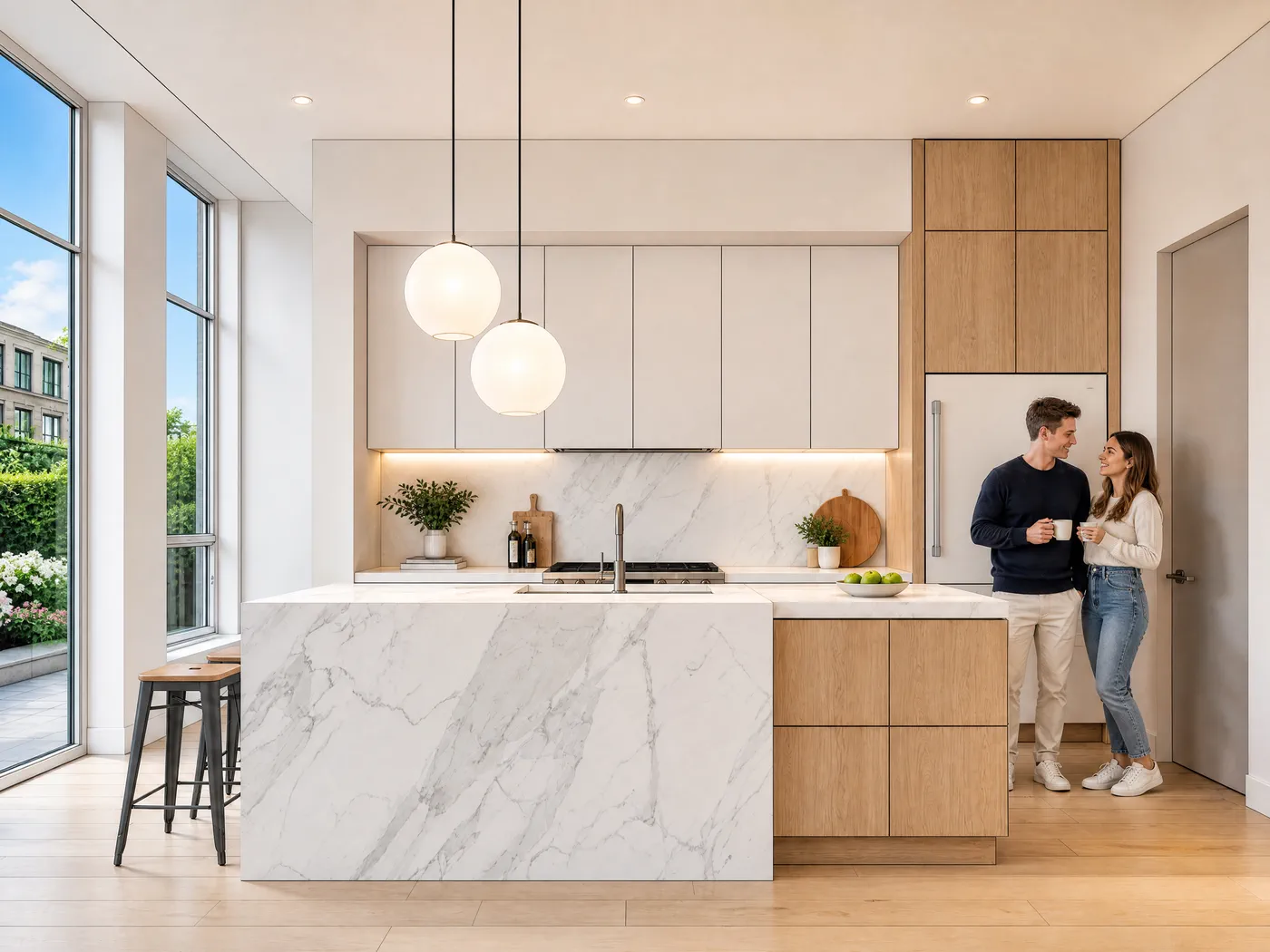
From interior export to presentation image
Export your interior
An image from SketchUp or a work render of your interior. The clearer the view, the stronger the result.
Upload to Sherpa
Drop in your export. No prompts, no settings, no rendering knowledge required.
Download your image
A presentation-ready interior image, ready for your moodboard, concept or client meeting.
The same kitchen, different light
An interior presentation usually needs more than one image. It needs the same image in a few moods. Click through the options: it's the same SketchUp export from the same camera every time.
Light, people, materials and styling are set in the advanced panel. Leave it closed and you get the standard look.


Full sun through the glazing, hard shadows on the floor
Real interiors, one step further
Real SketchUp exports of interior projects, and what Sherpa makes of them in one step. Drag the slider.
Kitchen
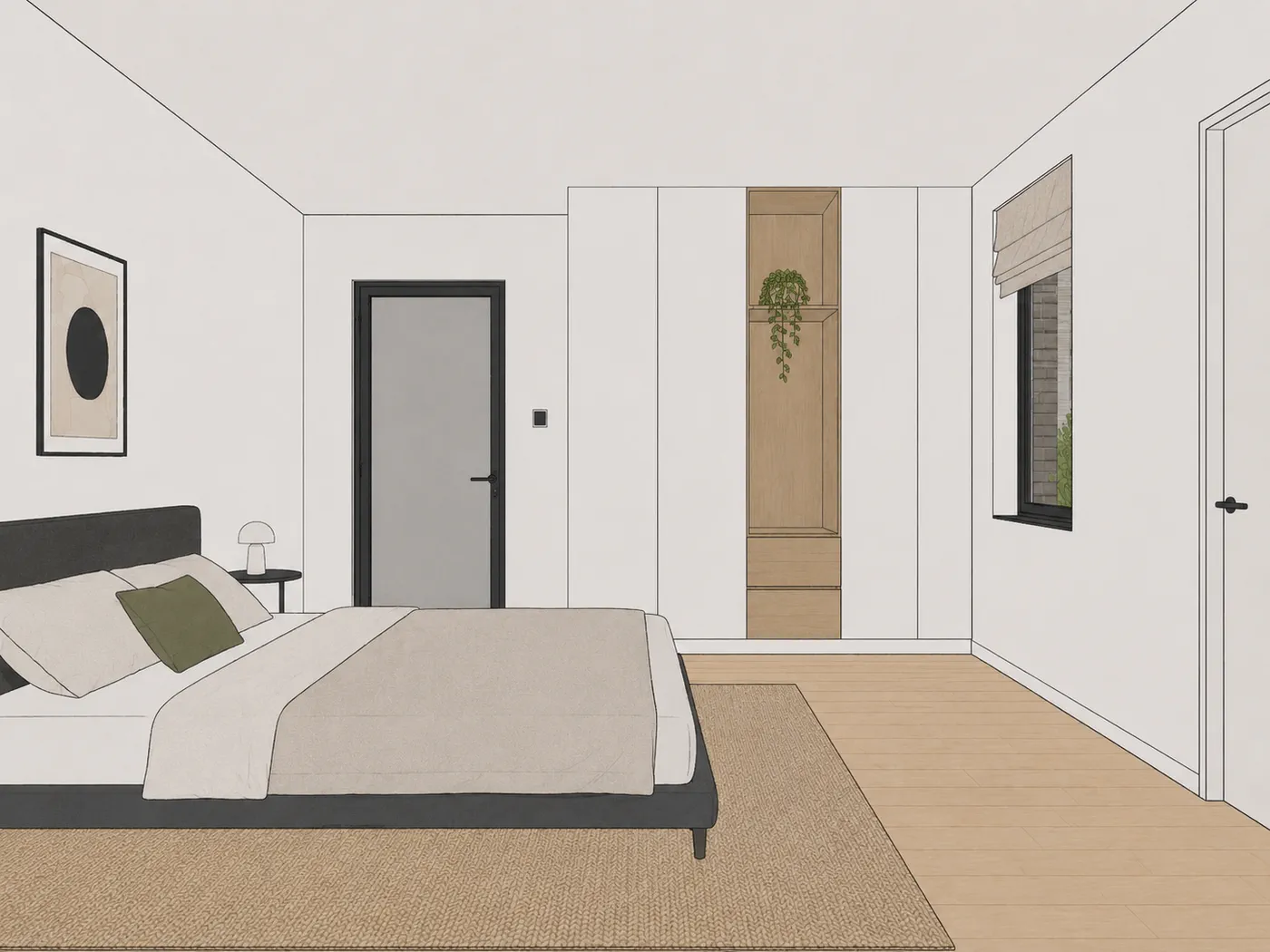
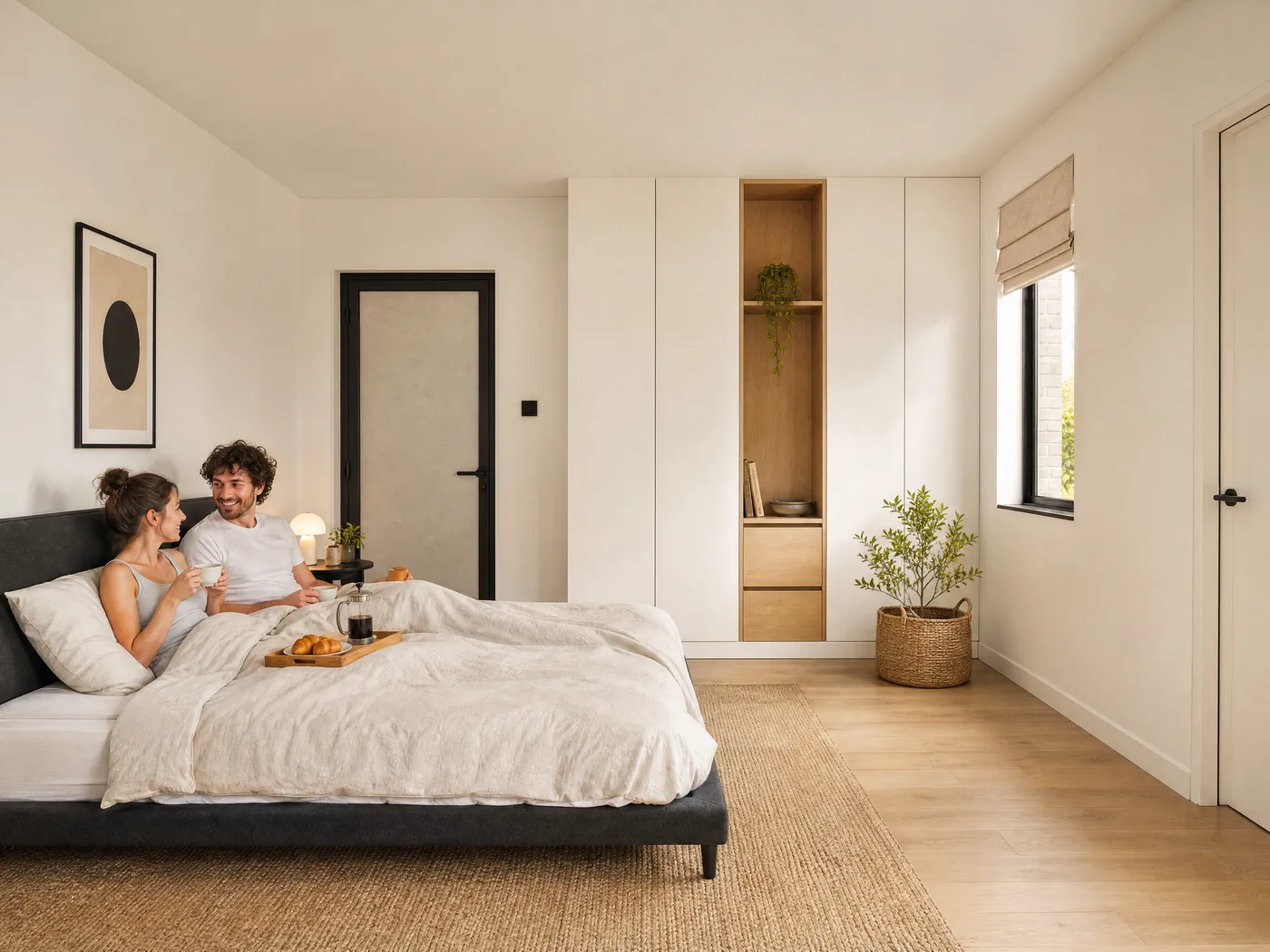
Bedroom
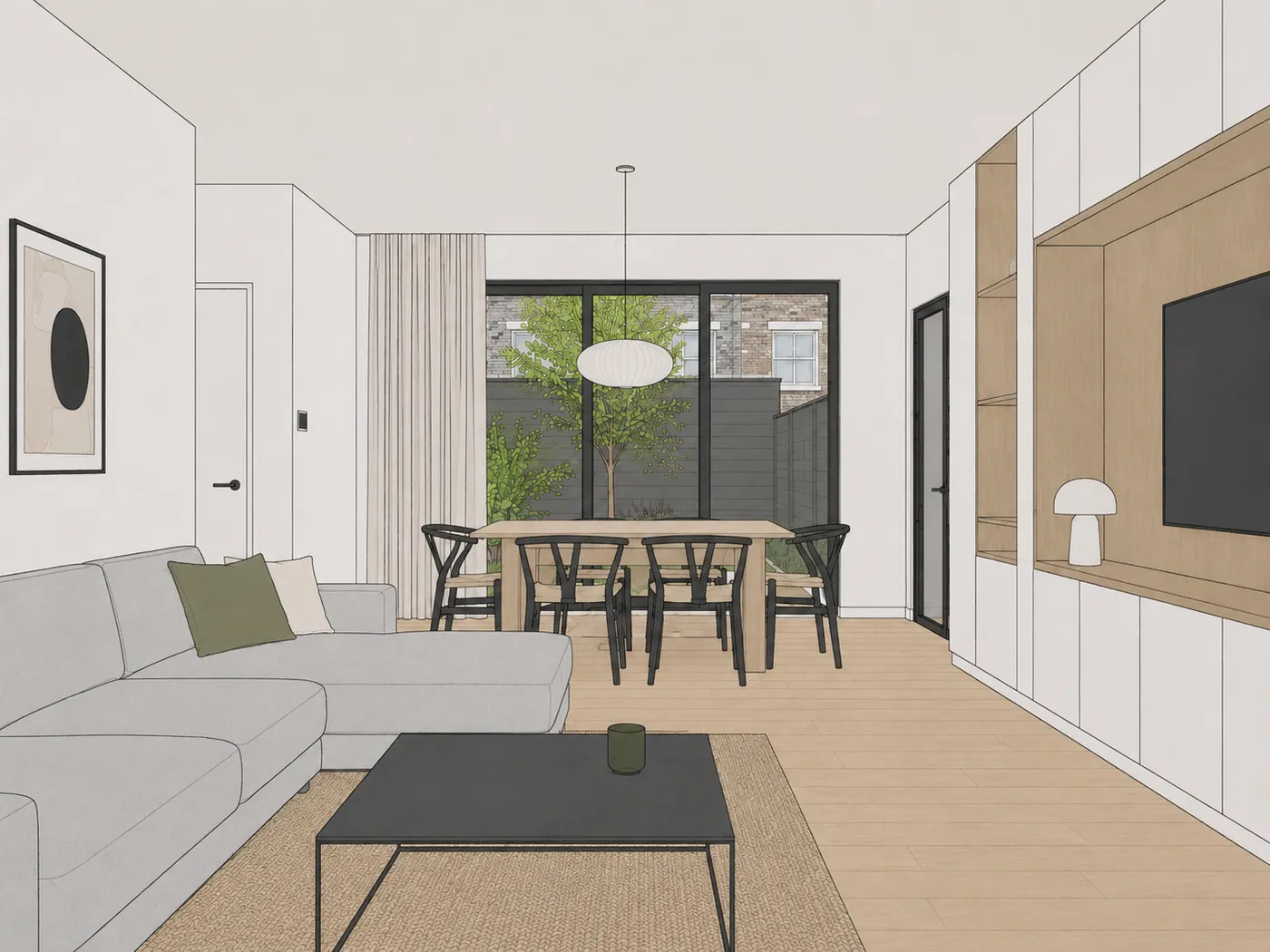
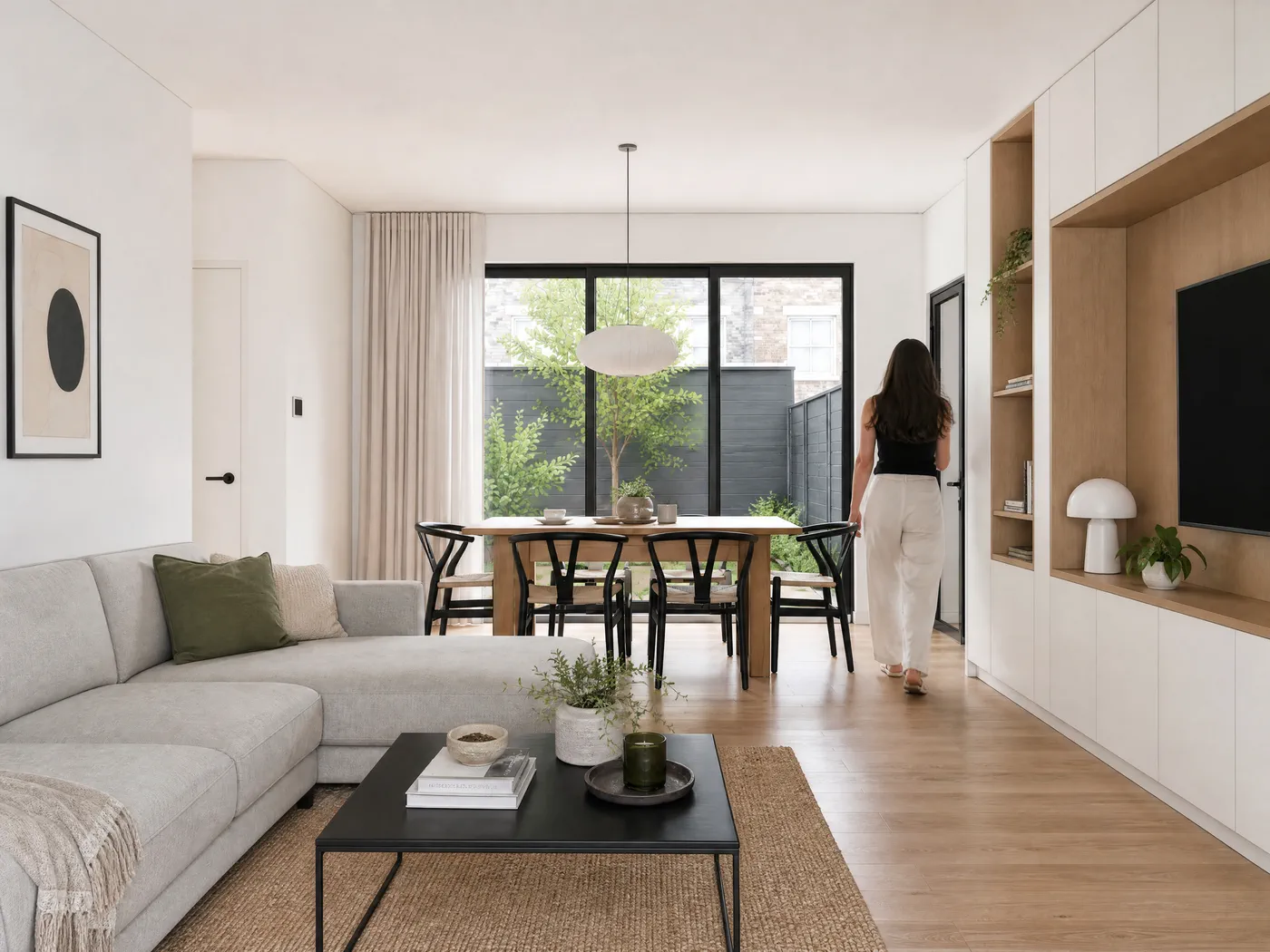
Living and dining room
Built for interior designers
You want your client to feel how the space will be, not explain how to read a bare work render. But setting up a full rendering process for every concept round is too slow and too expensive.
Sherpa fills exactly that gap: from your existing interior image to something presentable, within minutes.
No render engine to learn, no settings. You keep your design and your material choices. Sherpa just makes them stronger on screen.
Work mostly in SketchUp? See AI render for SketchUp · or for practices: AI rendering for architects.
Frequently asked questions about interior renders
Can I make an interior render without 3D rendering software?
Yes. Sherpa works with AI directly on your existing interior export or work render. You do not need V-Ray, Enscape or Lumion. You upload what you already have and get a presentation-ready interior image back.
Does it work with my SketchUp interior?
Yes. Export an image of your interior from SketchUp and upload it. Sherpa turns it into a presentation-ready image, handy for moodboards, client presentations and pitches.
Does my interior design stay recognisable?
Yes. Sherpa enhances your base material and does not invent a new layout. Materials, furniture and spatial setup stay recognisable; the clearer your input, the stronger the result.
Is it good enough for a client presentation?
For concept and client presentations: yes, that is exactly what Sherpa is built for. And because you test it free on your own interior, you see for yourself right away.
Can I add a moodboard as a style reference?
Yes. For interior renders you can upload a moodboard as a style reference, and the advanced controls let you steer light, people, styling and even individual materials per surface, such as the floor or the countertop. All with buttons, no prompts.
What does an interior render cost?
Trying it is free: 5 renders, no credit card. After that, an image up to 2K costs 1 credit; on the Starter plan of 49 euros per month with 40 credits that is roughly 1.25 euros per image. Four detail shots from one image, from material to styling, cost 2 credits together.
Test it on your own interior
Five free renders, no credit card. Upload your interior export and see the difference.