Exterior rendering, without a render engine
Upload your SketchUp export or work render of a facade, house or building. Sherpa turns it into a presentation-ready exterior image with AI: convincing sky, greenery and light, while your design stays where you drew it.
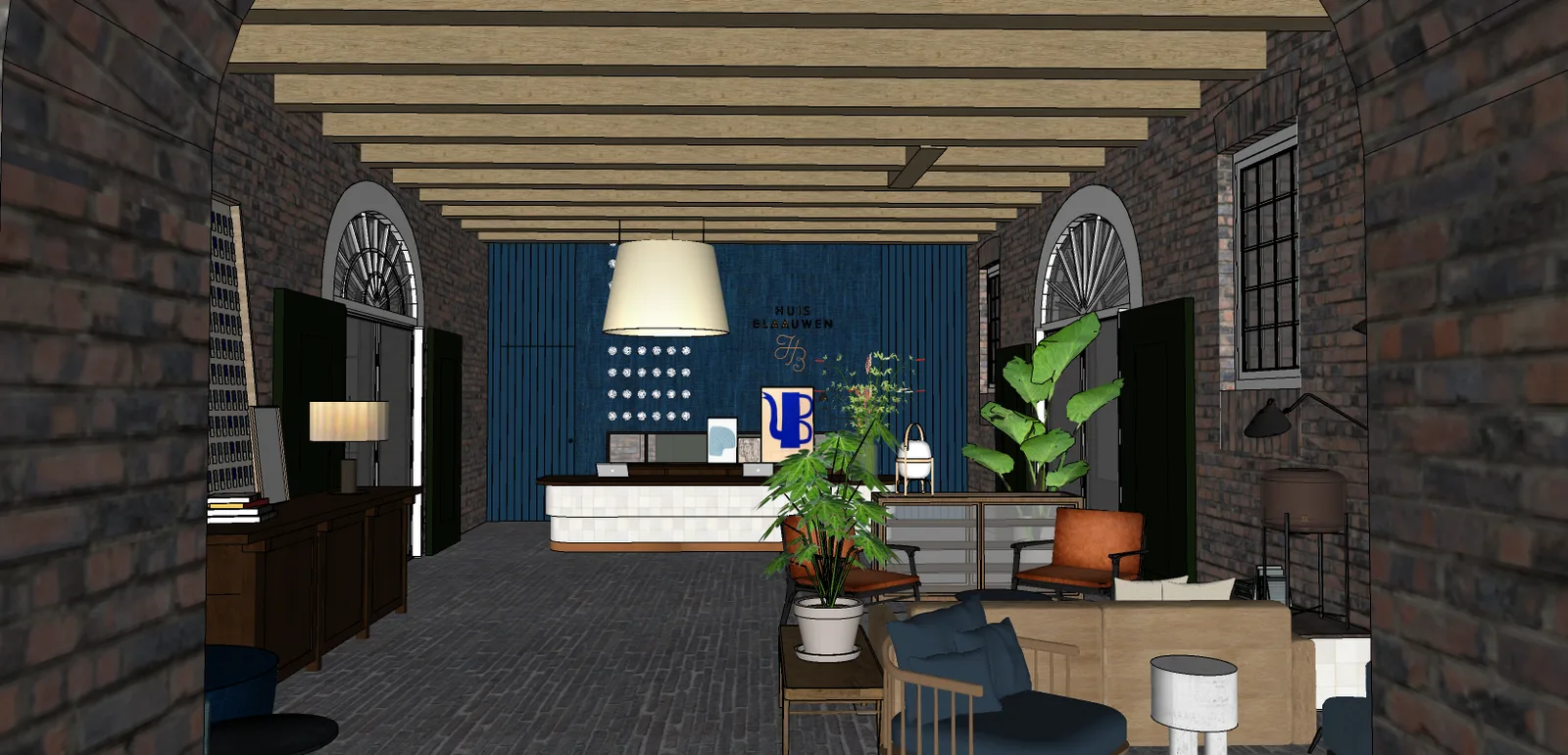
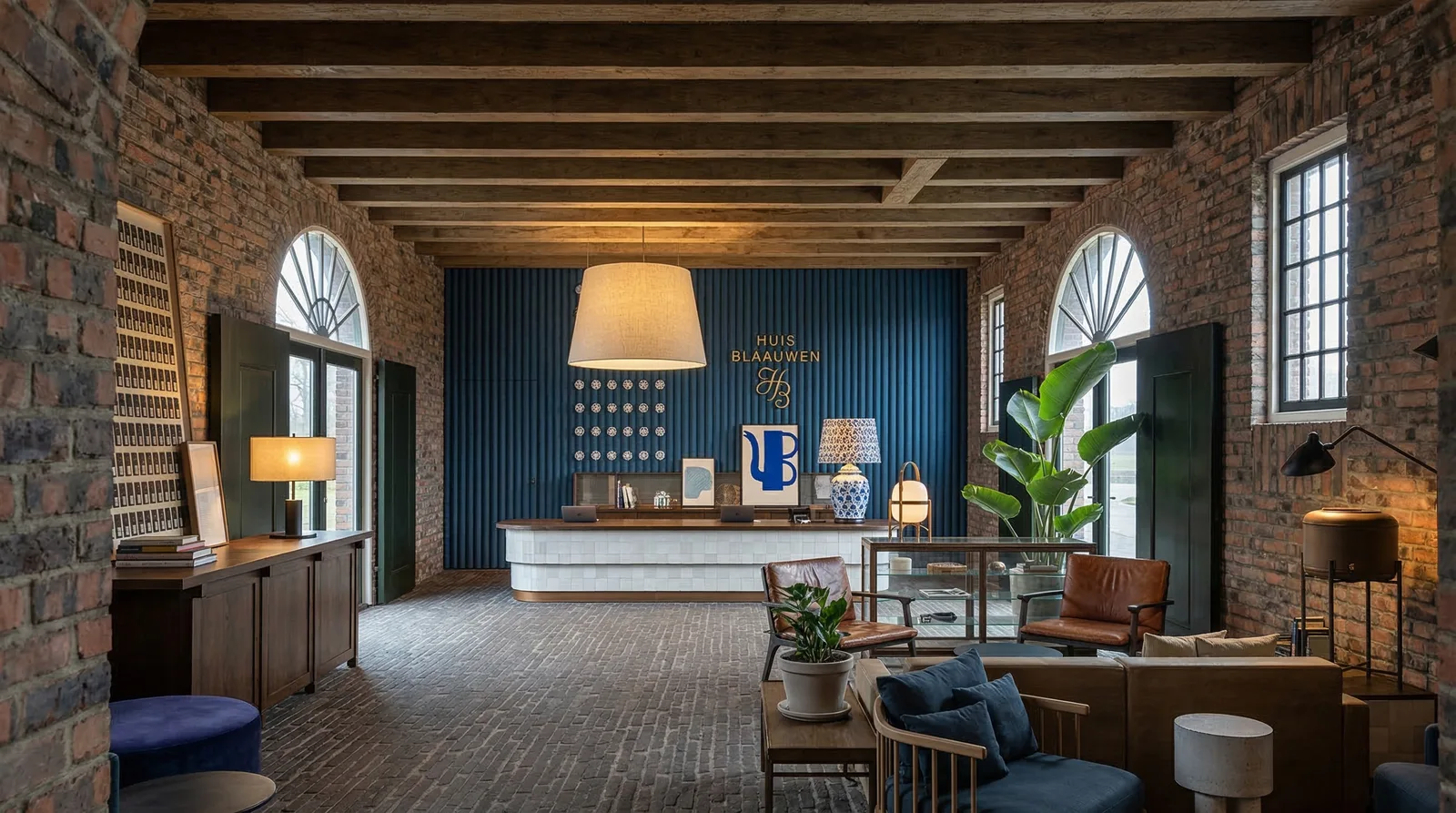
From facade view to presentation image
Working in SketchUp? With the free extension you render straight from your viewport, no export step.
Upload your exterior image
A SketchUp export, work render or massing study of your facade or house. The clearer the view, the stronger the result.
Choose light and atmosphere
Daylight, sunset or evening. Fine-tune with luminosity, colour temperature, artificial light and people, all controls, no prompts.
Download your image
Within minutes you have a presentation-ready exterior image for your pitch, planning meeting or client conversation.
Real exterior renders, not studio pieces
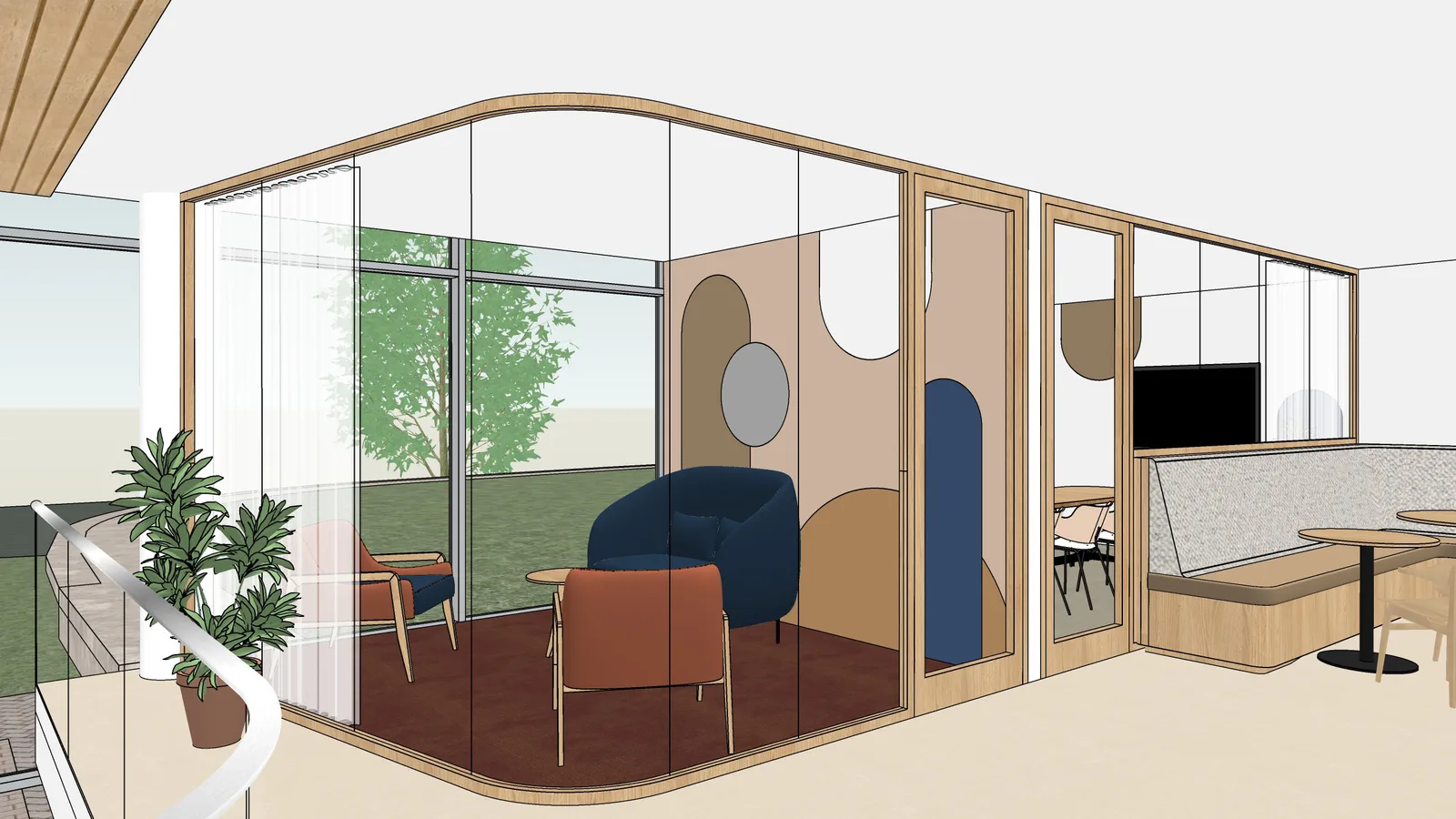
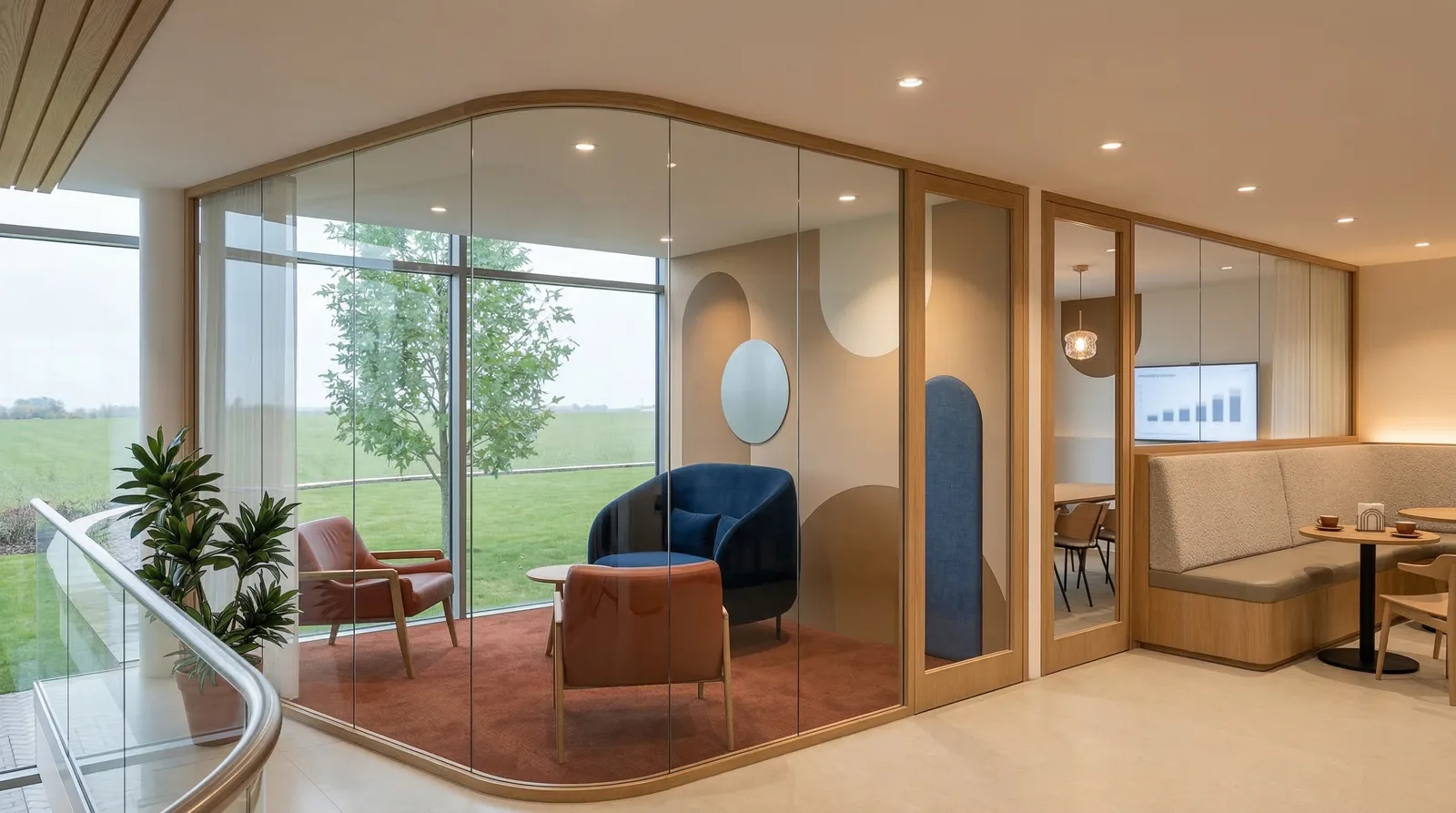
Left the SketchUp export, right the image Sherpa made of it. Your design stays recognisable while sky, light and surroundings start working with you.
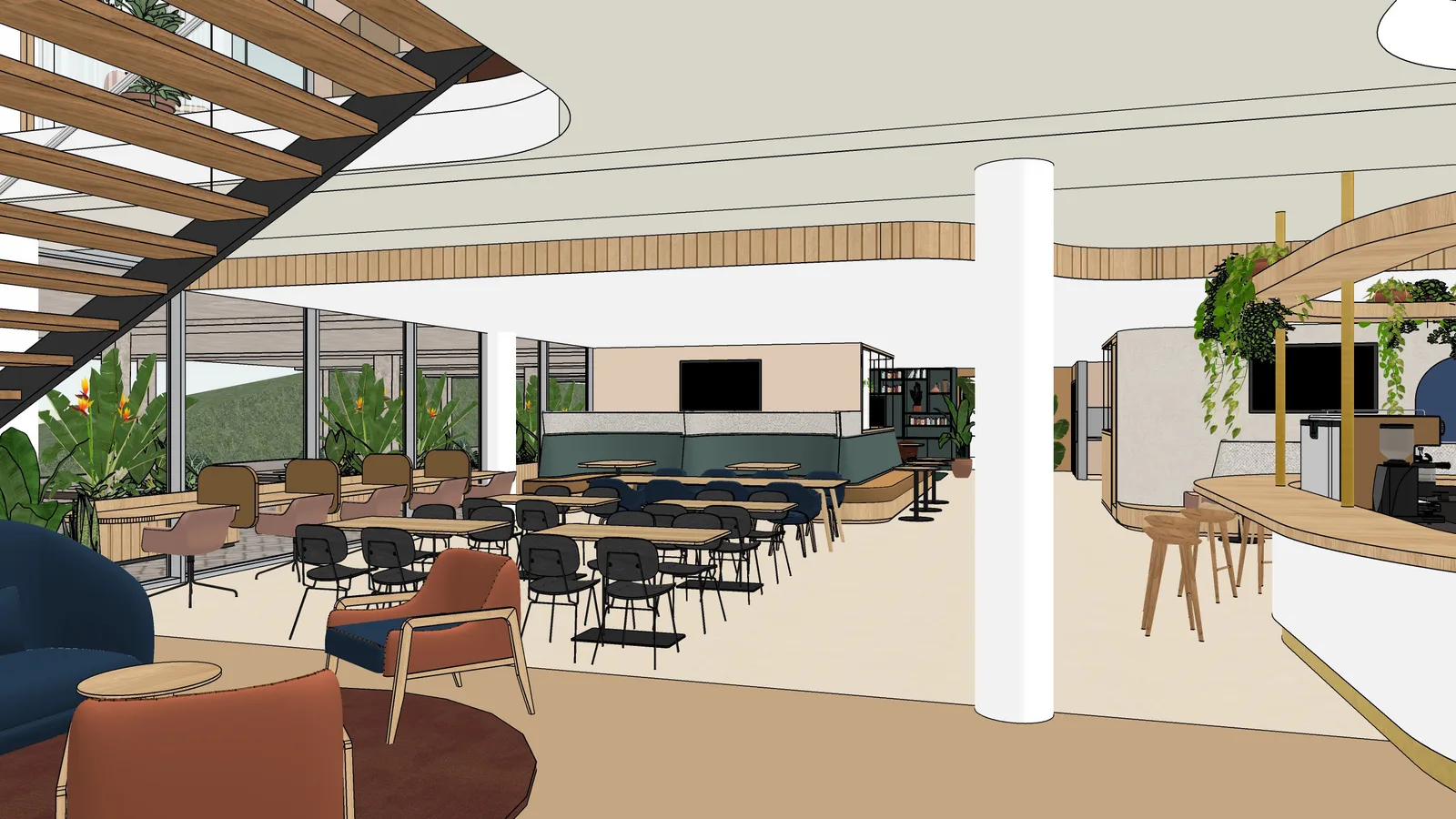
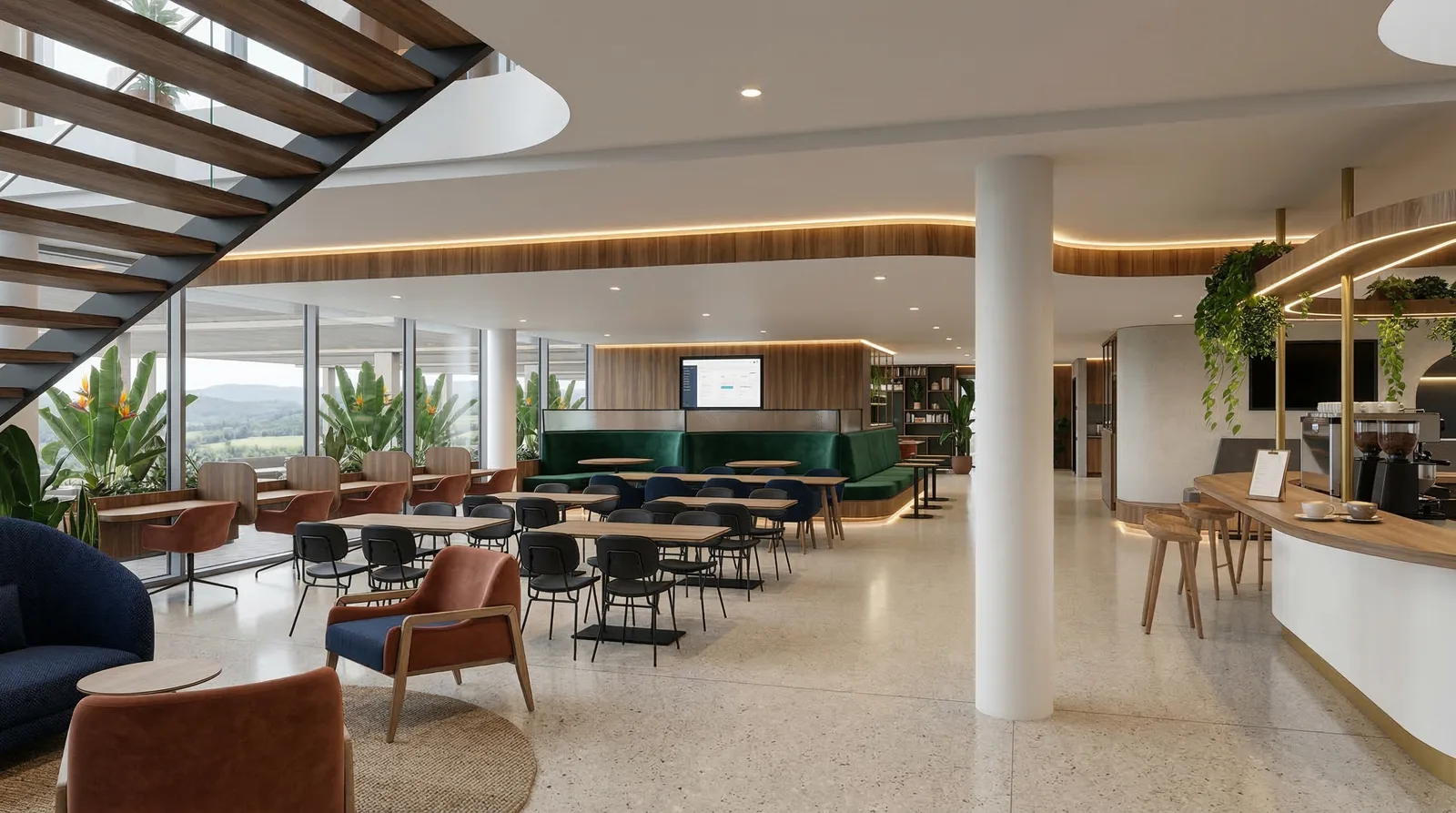
Why exterior images take so much render work
An exterior image lives or dies by everything around the building: the sky, the planting, the paving, the neighbours, the light of that one moment of day. In a classic render pipeline you build and light that entire context yourself, and that is exactly the work that takes hours.
Sherpa flips it around. You provide the building, the AI fills in the context convincingly. You choose whether the image sits in daylight, sunset or evening, and fine-tune with controls for light, people and materials. No prompts to write, no HDRIs to hunt down, no twenty-minute test renders.
To be fair: for the final photorealistic image or an animation, a render engine or visualisation studio remains the right choice.
But for tomorrow morning's pitch, the planning meeting or the client conversation, this is exactly enough, and it is ready within minutes.
Rendering interiors? Read interior rendering with AI.
Frequently asked questions about exterior renders
How do I make an exterior render of my SketchUp model?
Export an image of your facade or building from your SketchUp viewport and upload it to Sherpa, or render straight from SketchUp with the free extension. Pick exterior as the render type, set light and atmosphere with controls, and get a presentation-ready image back within minutes.
What happens to the surroundings of my building?
Sherpa completes what you leave open: sky, planting, paving and atmosphere are filled in convincingly while your building stays exactly where you drew it. The more context you already have in frame, the more control you keep.
Can I choose between daylight, sunset and evening?
Yes. Exterior renders come with day, sunset and night settings, plus controls for luminosity, colour temperature, artificial light and people. You can run the same viewpoint through several moods and compare.
Does my facade design stay exactly as I drew it?
Sherpa works image-to-image on your own picture: what you drew stays where you drew it. Materials can be steered with the material controls. Sherpa does not invent a different building, it strengthens yours.
What does an exterior render cost?
A render up to 2K costs 1 credit, 4K costs 2 credits. A free account includes 5 renders with no credit card. Plans start at 49 euros per month for 40 credits.
Is this a replacement for V-Ray, Enscape or a visualisation studio?
For the final photorealistic image it is not, and we say so honestly. For pitches, early-stage planning conversations and client meetings, Sherpa is the fast intermediate step: presentable within minutes instead of hours.
Test it on your own facade
Five free renders, no credit card. You will see right away whether it works for your project.