Sherpa brings prompt-free AI rendering to SketchUp
Amsterdam, 19 August 2026: Sherpa, an AI rendering tool built by Amsterdam studio AI-brouwerij, has arrived on Trimble’s SketchUp Extension Warehouse. It takes a different route to AI visualisation than most tools in the category: there is no prompt box.
Sherpa starts from material the designer already has (a work render, a SketchUp export, a viewport screenshot) and returns an image that holds up in a client conversation. No V-Ray, no Corona, no Enscape, and no hours of post-processing.
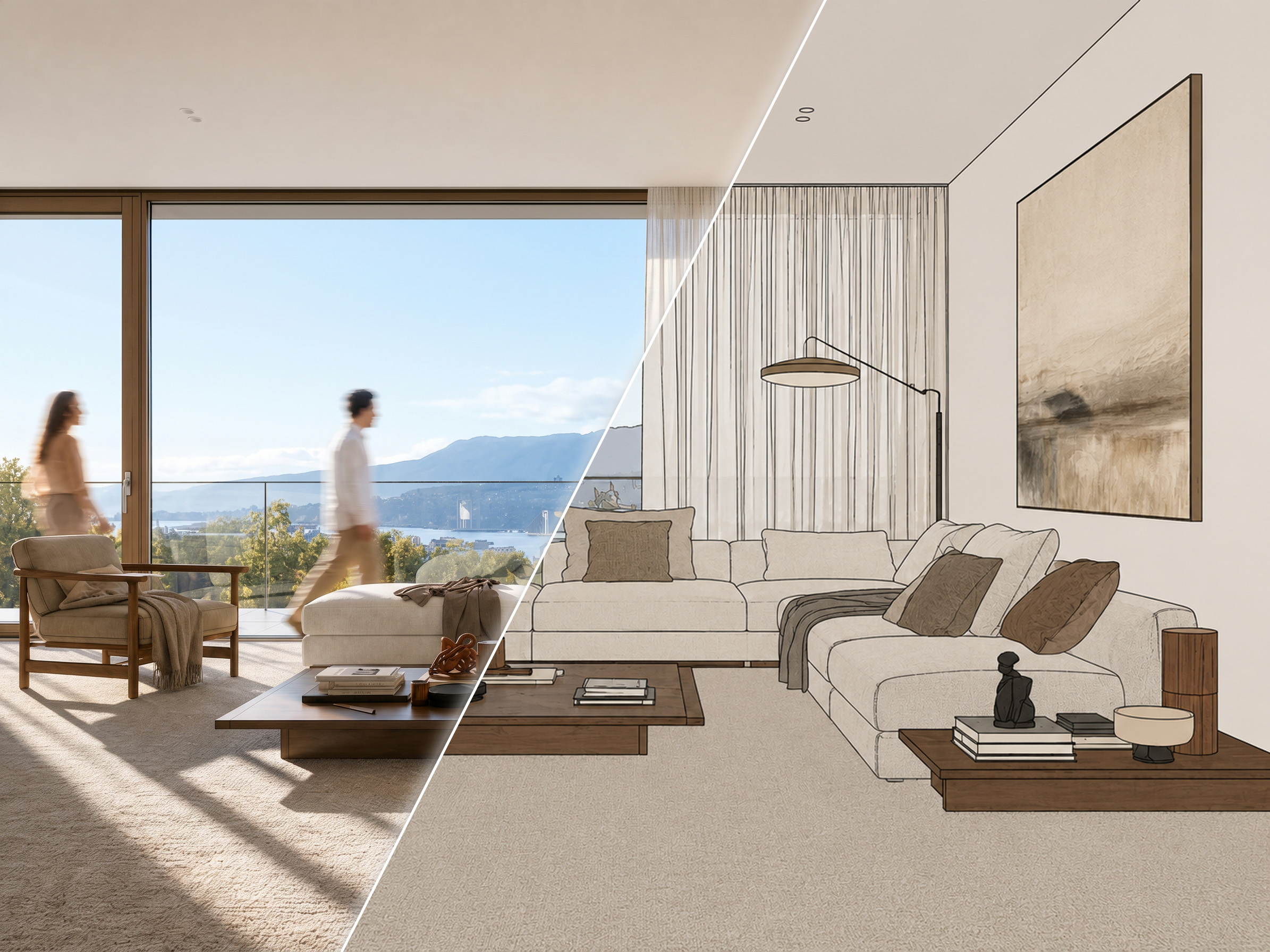
Controls instead of prompts
Most AI render tools ask the user to describe what they want in words, which turns visualisation into a writing exercise with unpredictable results. Sherpa replaces that with a control layer: luminosity, time of day, colour temperature, artificial lighting on or off, whether people appear in the scene, floor and wall materials, and interior styling.
Because the controls sit on top of the same base image and the same camera, a designer can run one viewpoint through daylight, evening light, an empty version for handover drawings, a marble floor and a different sofa, and compare five results from a single export. Every version stays grouped with the image it came from.
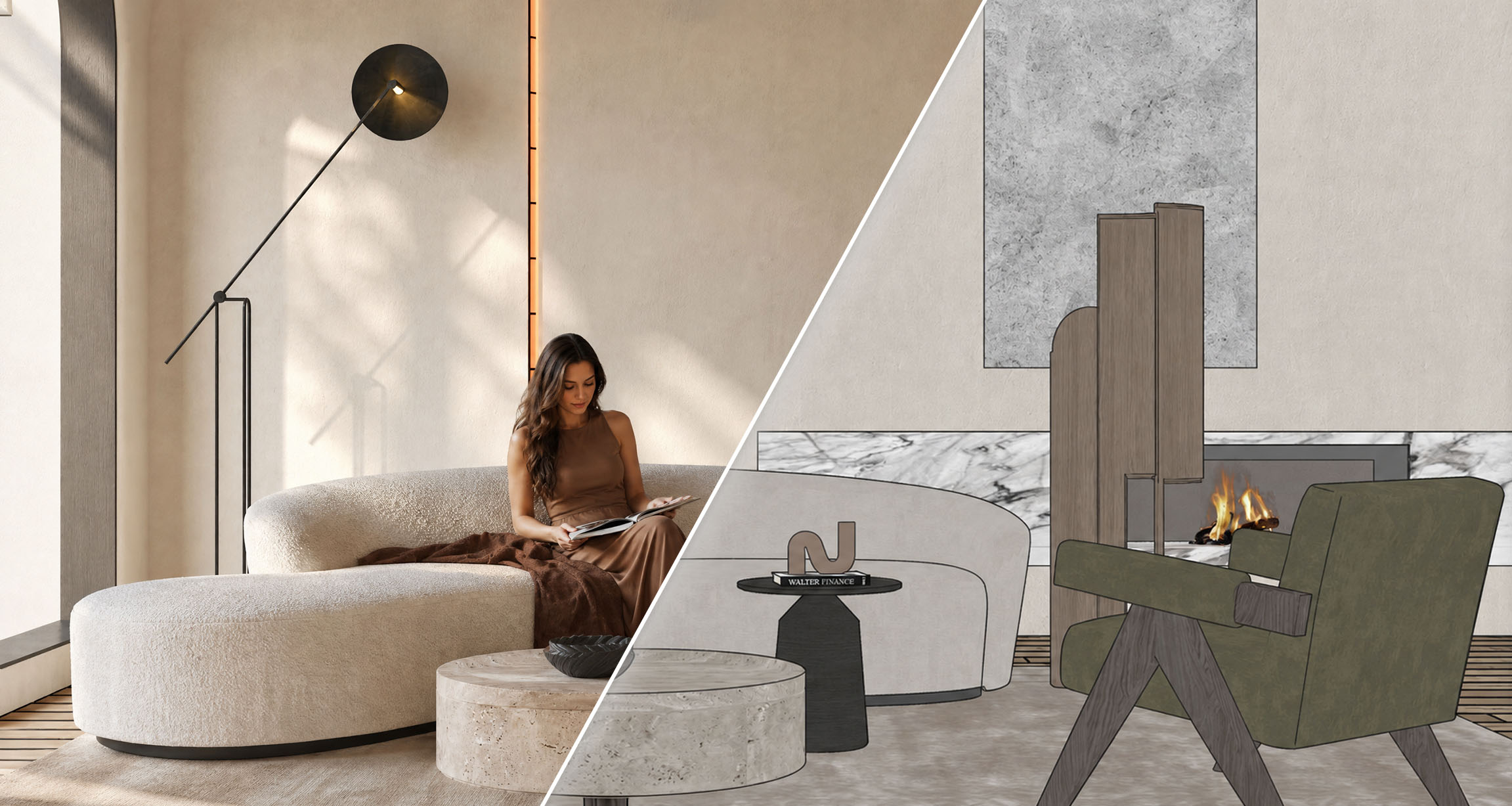
Nearly right is not the end
A render that is 90% there is the normal outcome of any visualisation step, and Sherpa is built around that rather than around a single perfect shot.
Adjust this image
1 creditChange one thing: the time of day, the people or a material, and keep the rest of the image as it is.
Detail shots
2 credits for fourFour close-ups pulled from one render: the material, a piece of furniture, the light and the styling.
Upscale later
2 creditsWork at lower resolution while the composition is still moving. Upscale to 4K once the image is right.
Run it again
1 creditSame starting point, one control different. Every version stays grouped with the image it came from.
Failed renders are refunded automatically.
Straight from the viewport
The free Sherpa Render extension, now listed on the SketchUp Extension Warehouse, removes the export step entirely. One click in the viewport sends the current view to Sherpa; the image comes back on screen in the same dialog, with the same advanced controls as the web app. It runs alongside whatever else is installed. It is not a render engine and does not replace one.
The extension ships with a second tool, a straightener that corrects the camera to a two-point perspective before sending, so vertical lines stay vertical.
On what it is not
Sherpa’s positioning is deliberately narrow. It does not aim for full photorealism and does not replace a render engine or a visualisation studio. It is built for the stage before that: the concept, the pitch, the first client conversation, the moments where a full rendering process costs more time, money and briefing rounds than the step is worth.
Terms on data
Input and output images are never used to train AI models. Users retain ownership of both. Files are deleted automatically after 30 days, and a GDPR data processing agreement is available on request.
Availability and pricing
Sherpa runs in the browser and accepts exports from SketchUp, Revit and ArchiCAD, or any other base image. New accounts receive five free renders with no credit card required.
Subscriptions: Starter €49/month (40 images, up to 2K), Pro €95/month (120 images, up to 4K, batch rendering, faster processing), Studio €199/month (350 images, priority rendering). Annual billing includes one free month. Additional credit top-ups are available to subscribers.
Press kit
Images
Free to use in coverage of Sherpa, with the credit “Image: Sherpa”.
Boilerplate
Sherpa is an AI rendering tool for architects and interior designers that works from an existing work render or SketchUp export instead of a text prompt. Light, time of day, people, materials and styling are set with controls, so one viewpoint can be run through several versions without writing a description. Sherpa is made by AI-brouwerij in Amsterdam and is available in the browser and as a free SketchUp extension.
Press contact
Joey Heynens · AI-brouwerij, Amsterdam
info@sherpa-render.com
sherpa-render.com
Judge it on your own project
Five free renders, no credit card. Upload a work render or install the extension and render straight from your viewport.